We are developing a CNC machine monitoring system that reads each machine control and shows the whole shop: what is running, what has stopped, the condition reported by the control and the reason the operator gives.
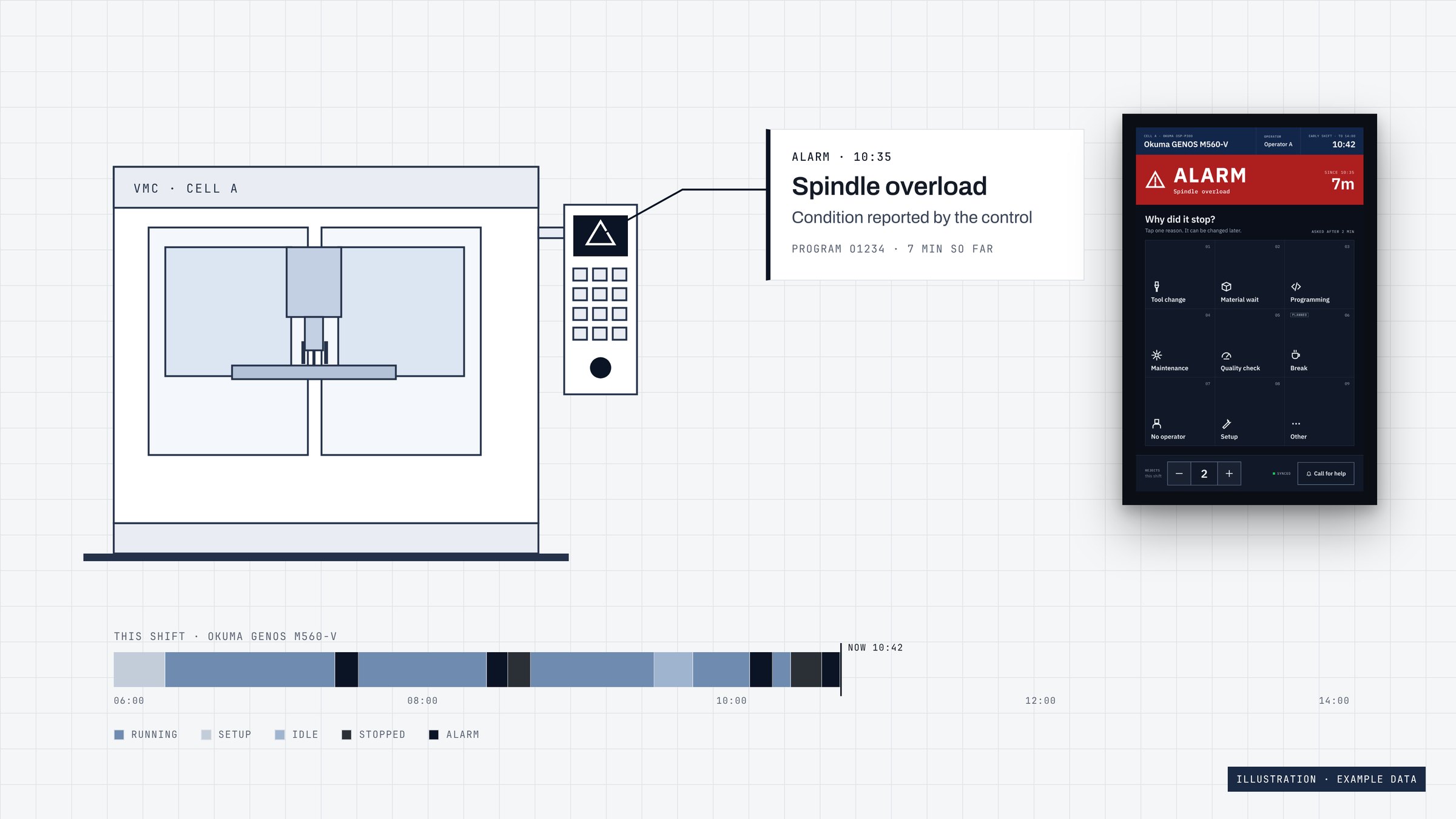
Machine monitoring takes its data straight from each machine control, so you see how the machines are really used rather than estimates on a whiteboard. For a machine shop it answers four questions.
We are building it for UK machine shops with mixed fleets: Haas, Okuma, Mazak and Hurco machines first, with Fanuc controls and older machines to follow.
We only mark something as working once we have tested it.
| Capability | Status | Detail |
|---|---|---|
| Reading MTConnect controls | Working | Collector tested against MTConnect reference agents (Okuma and Mazak devices) and our CNC emulator. Not yet installed on a customer machine. |
| Read-only, outbound-only collector | Working | Tested in our lab. |
| Machine states and utilisation | Working | Utilisation engine tested on our test rig: it reproduced 110 state changes in 5 minutes exactly, and ran against our CNC emulator with no false offline periods. |
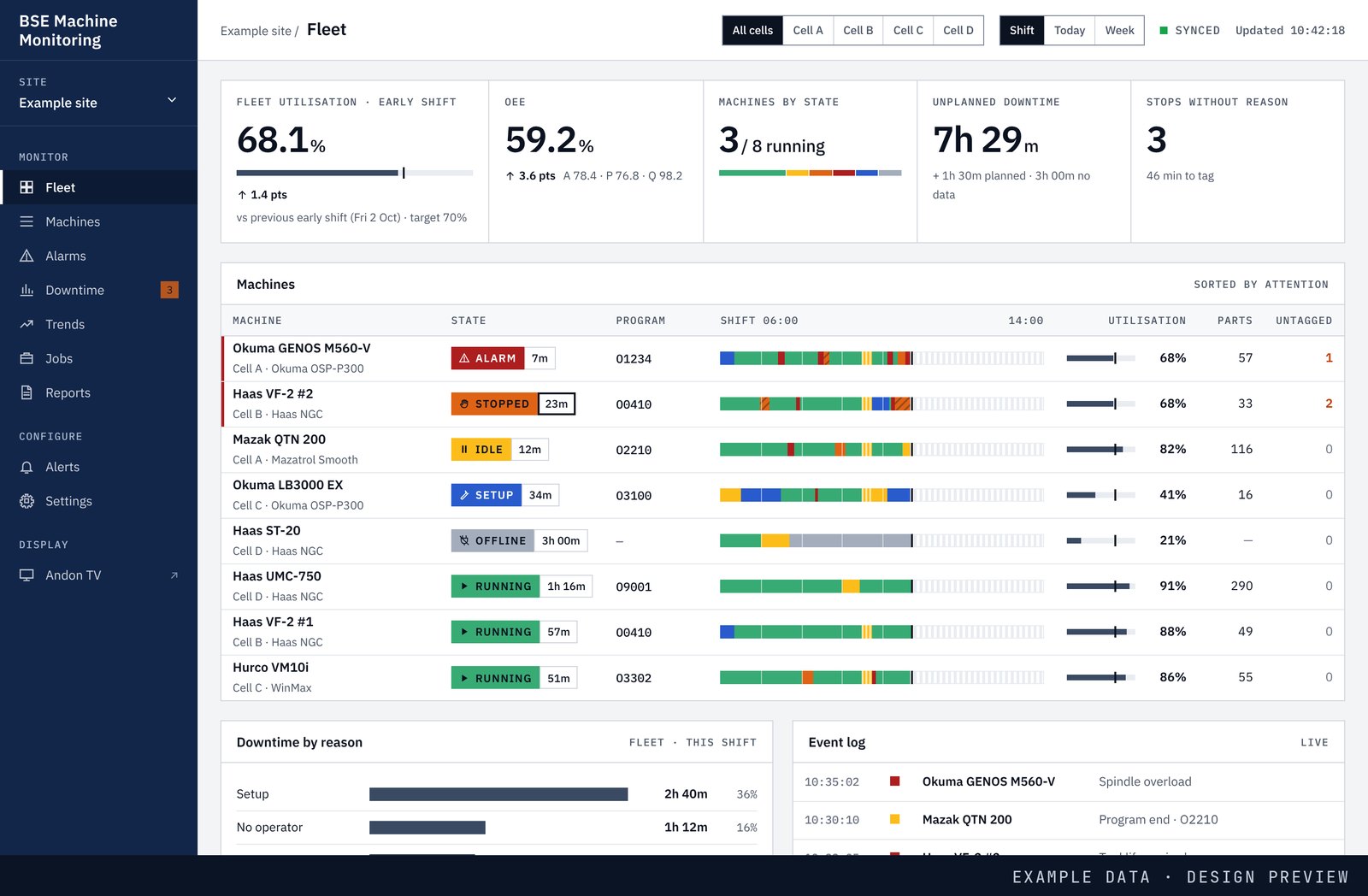
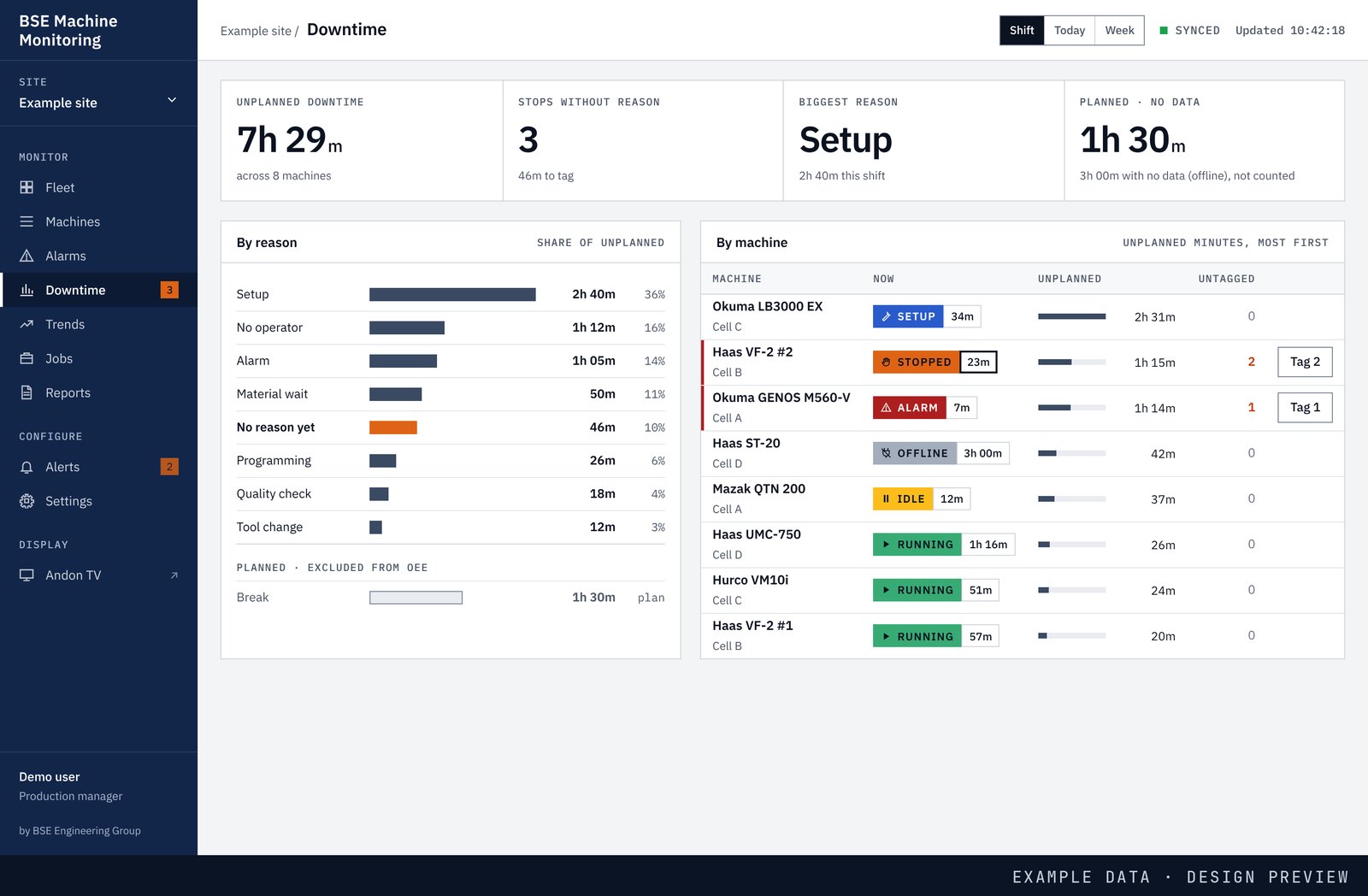
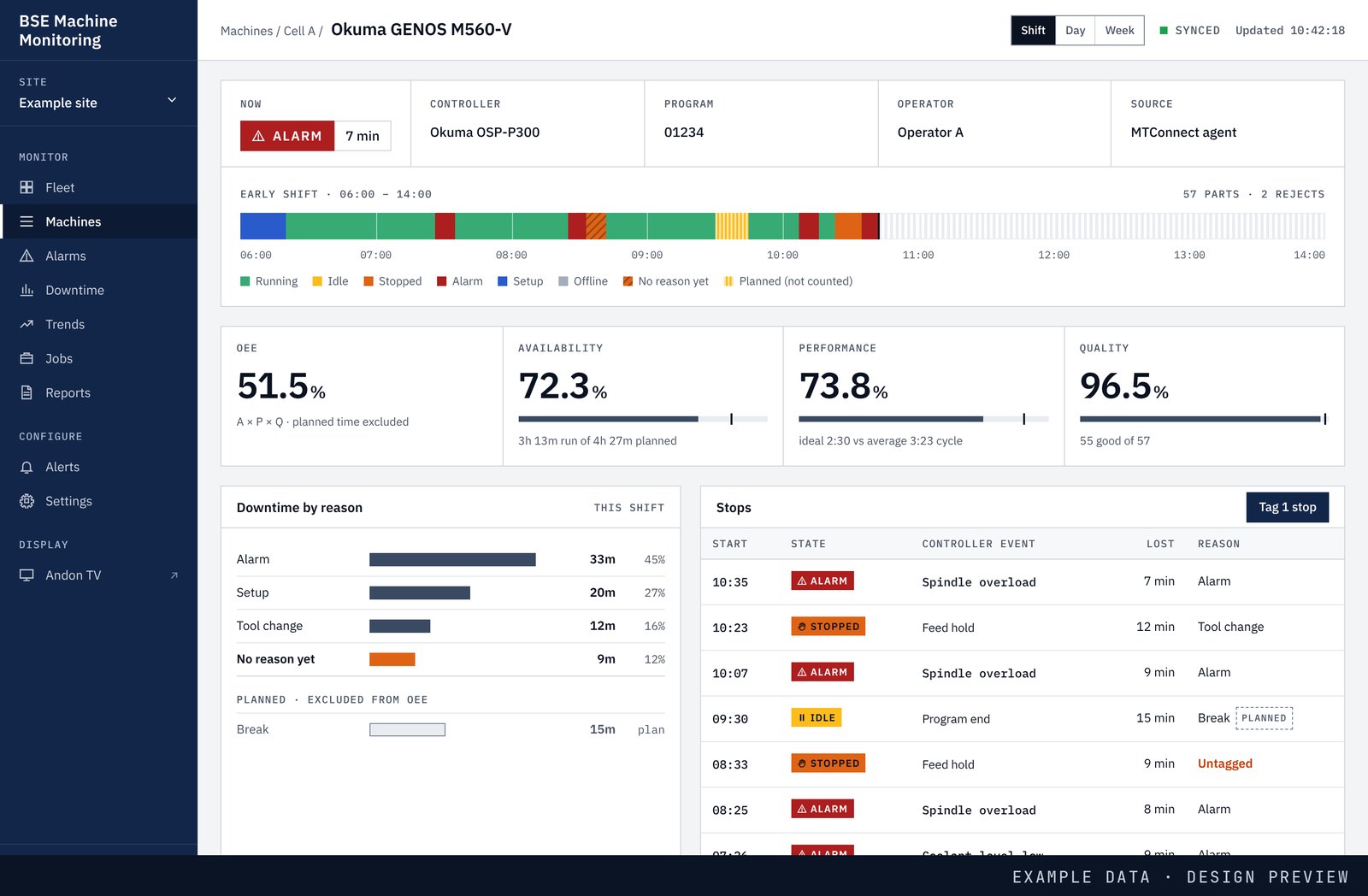
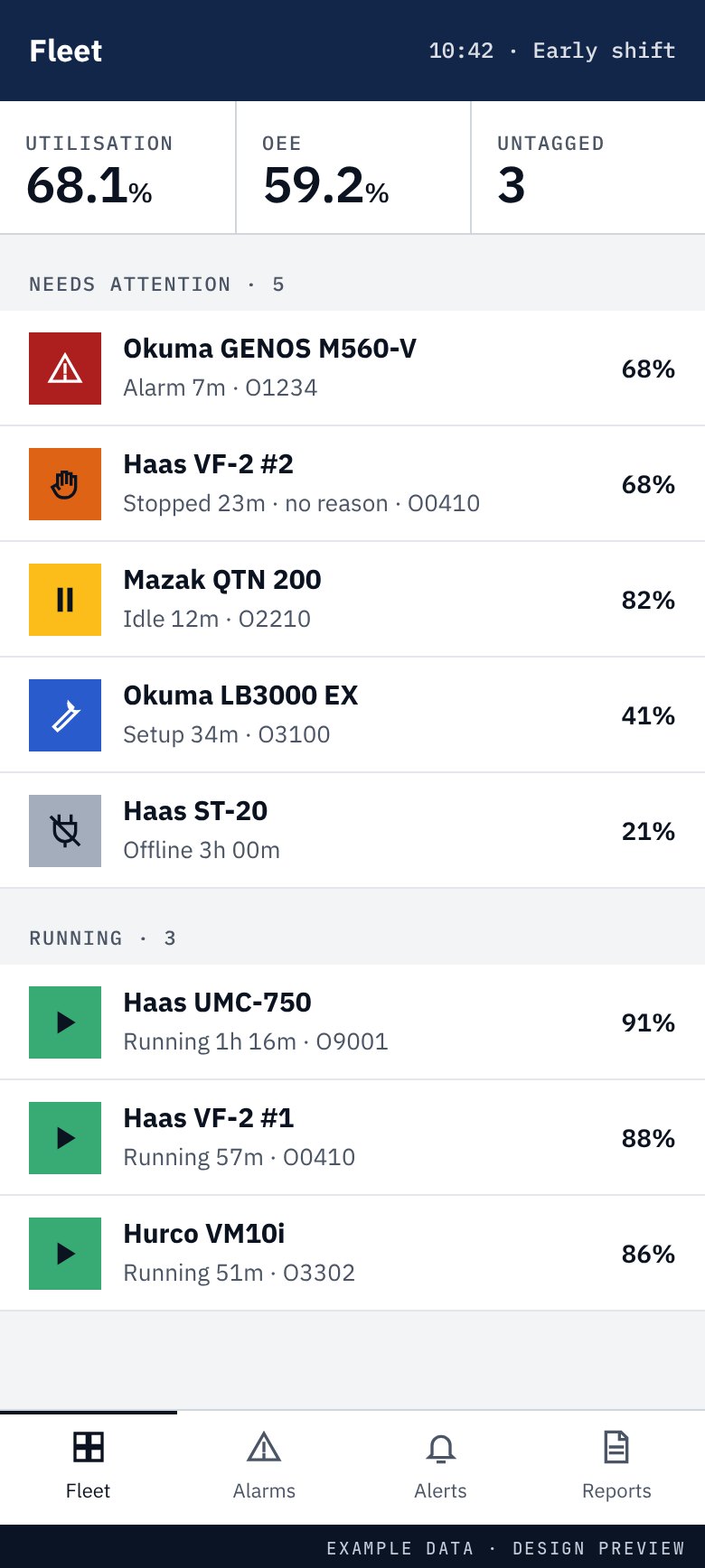
| Fleet, machine detail and downtime screens | Working | Tested in our lab against live emulator data, through the same secure web front end a pilot site would use. Not yet at a customer site. |
| OEE (availability, performance, quality) | In development | Calculated on our test rig, including rejects recorded on the operator tablet. We will check its accuracy against a manual time study before using it at a customer. |
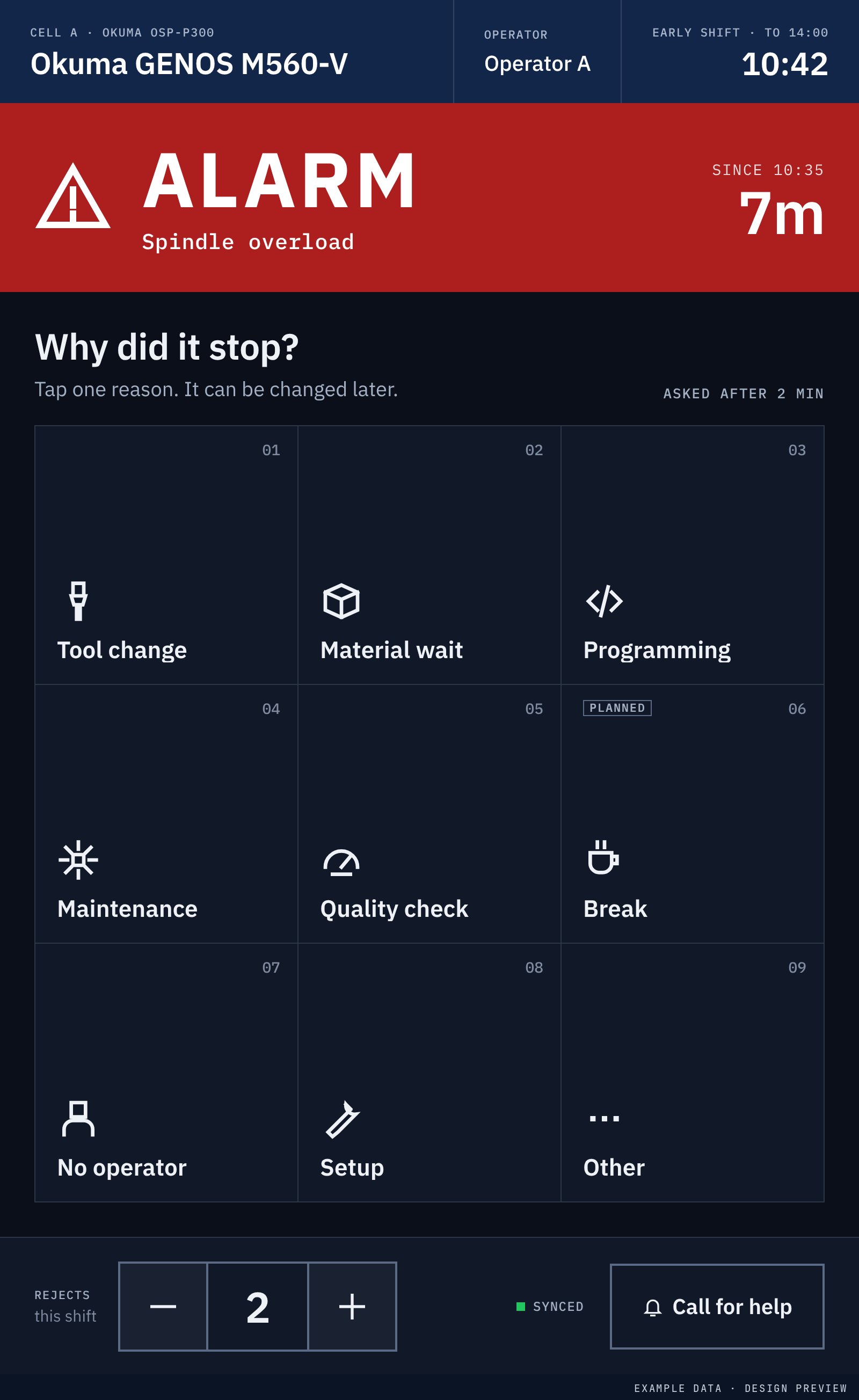
| Operator reasons for each stop, on a tablet | Working | Tested in our lab: the tablet asks why a machine stopped after two minutes, keeps working through network drops, and is paired to its machine with a code. Not yet at a customer site. |
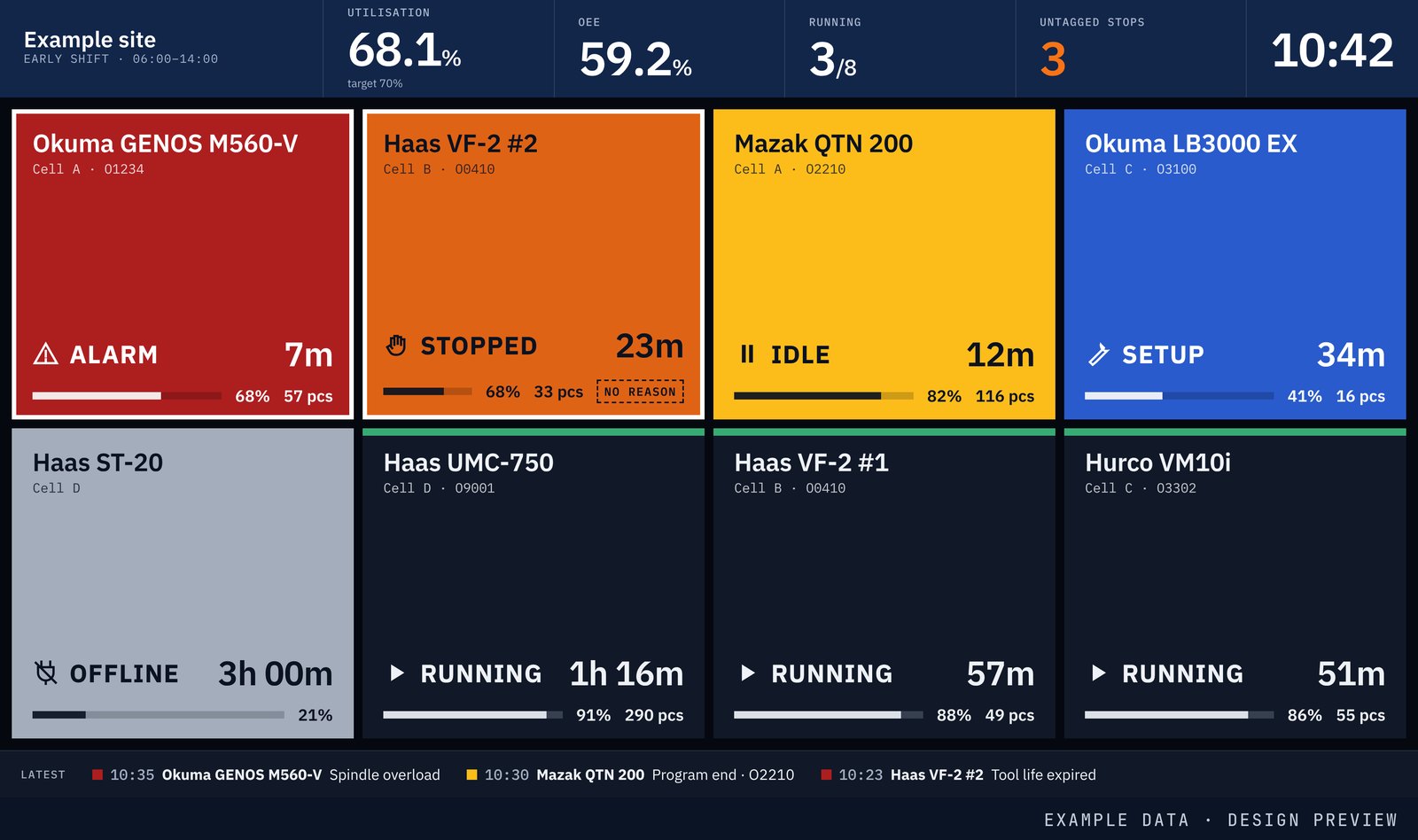
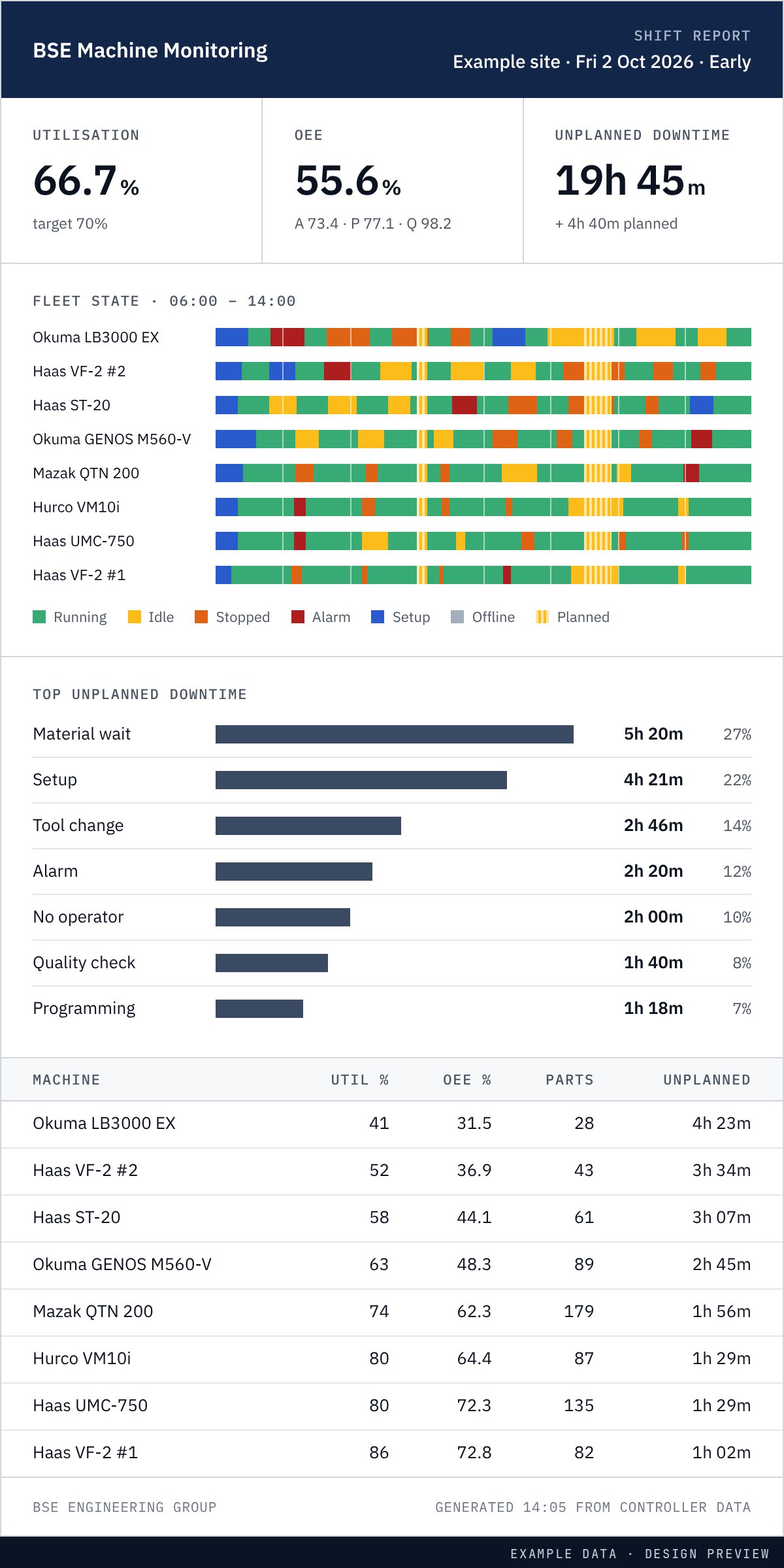
| Shop-floor TV and shift reports | In development | Designed; both are shown below as design previews. |
| Fanuc controls | In development | Adapter in development. |
| Older and manual machines | In development | Current sensor in development. Fitting it is electrical work inside the machine cabinet, carried out by a competent person and agreed with you. |
| Siemens and Heidenhain controls | Planned | Not supported yet. |
These are design previews of the machine monitoring software, with example data, not the running product.
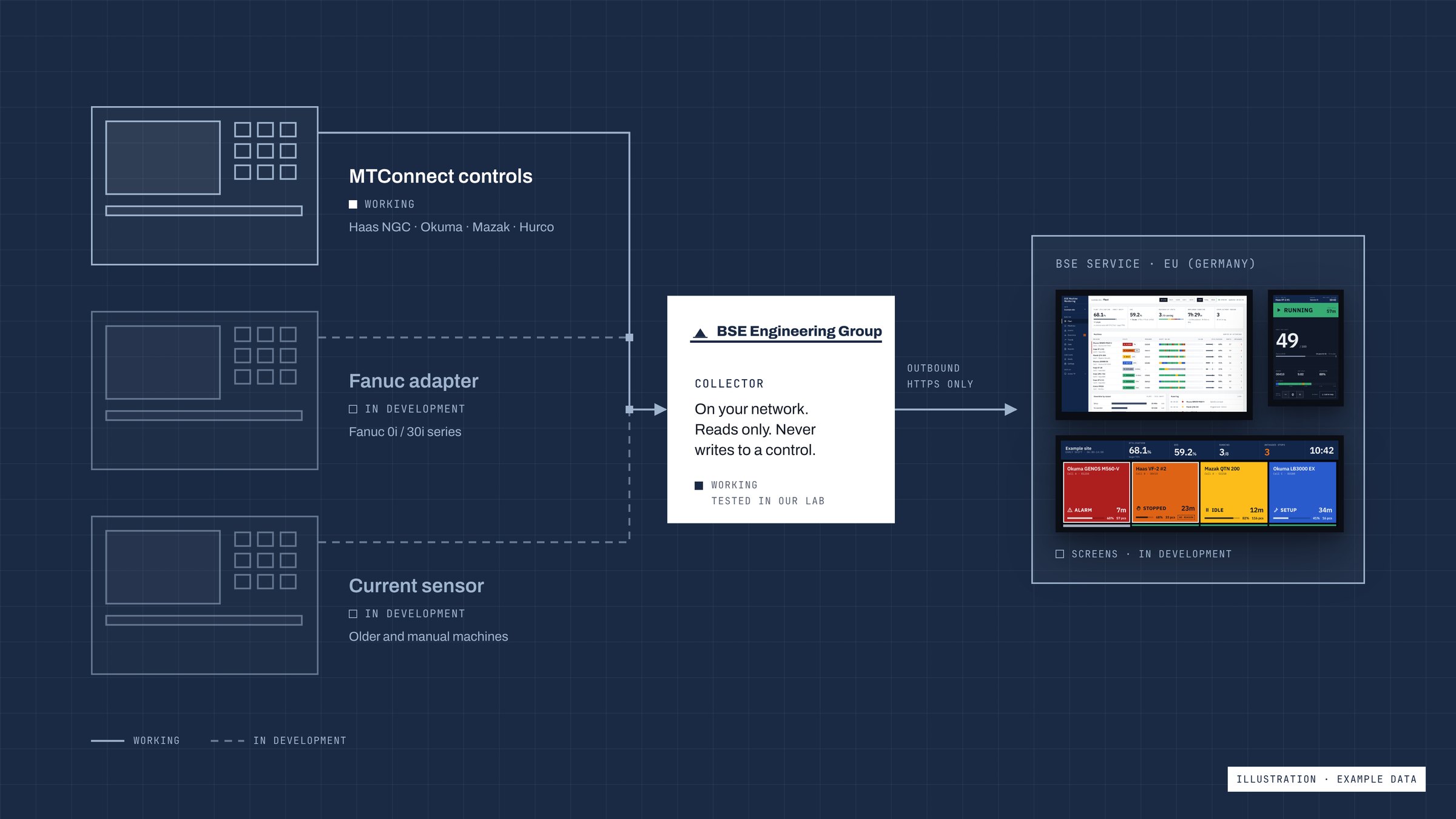
| Control | Route | Status |
|---|---|---|
| Haas NGC (2017 and later) | MTConnect, built into the control | Not yet tested |
| Okuma OSP-P300 / P500 | MTConnect, Okuma's MTConnect app | Working |
| Mazak Smooth / Smart / Preview | MTConnect, licence file per machine from Mazak | Working |
| Hurco WinMax | MTConnect, built in on current software | Not yet tested |
| Fanuc 0i / 30i series | Adapter | In development |
| Older and manual machines | Current sensor in the cabinet | In development |
| Siemens 840D sl, Heidenhain TNC | To be decided | Planned |
"Working" means our collector has read the standard MTConnect data these controls publish, using reference agents. "Not yet tested" means the control publishes the same standard, but we have not yet read one. We have not yet installed the collector on a customer's machine.
We are looking for UK machine shops to help us develop and test this. Email us the make, model and control of your machines, and we will come back to you.
Software and a small piece of hardware that read data from a CNC machine control, such as its state, alarms, program and part count, and turn it into live machine status, utilisation and downtime figures for the whole shop.
Controls that publish MTConnect data. We have read Okuma and Mazak controls through MTConnect reference agents; Haas NGC and Hurco WinMax publish the same standard and are next to test. A Fanuc adapter and a current sensor for older or manual machines are in development. Siemens and Heidenhain controls are planned.
No. The collector only reads from the control. It cannot change a program, an offset or a setting.
No. The collector sends data outbound over HTTPS only. No ports are opened into your network.
Yes, on our test rig. Availability and performance come from the control, and quality from rejects recorded on the operator tablet. We will check its accuracy against a manual time study before using it at a customer.
In an EU data centre in Germany. Your data is yours, and you can have a copy of all of it.
Not yet. This is an R&D project in development. We are looking for UK machine shops to work with us as pilot partners, so register interest if you would like to be one.